Introduction:
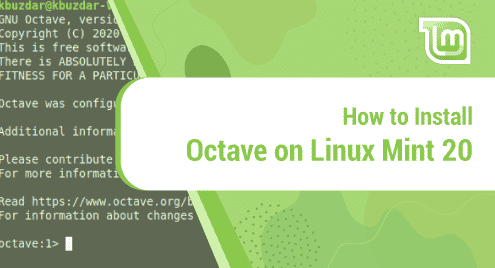
Octave is a special purpose high level programming language. It is used to perform numerical computations very easily and with a very high level of precision. Moreover, it is a very good alternative to MATLAB. In this article, we will talk about the installation procedure of Octave on a Linux Mint 20 system.
Procedure of Installing Octave on Linux Mint 20:
For installing Octave on Linux Mint 20, you just need to perform the following steps:
Step # 1: Begin with a System Update:
First, you need to begin with a system update that can take place with the command stated below:
$ sudo apt update

Step # 2: Install Octave on your Updated System:
After that, you can install Octave on an updated system by running the following command:
$ sudo apt-get install octave

Step # 3: Launch the Octave Terminal for Confirming its Installation:
Once Octave is successfully installed on your system, you can access its terminal by executing the command shown below:
$ octave

The Octave terminal is shown in the following image:

For exiting from the Octave terminal, you simply need to run the command shown below:
> quit

How to Remove Octave from Linux Mint 20?
If you want to remove Octave from your Linux Mint 20 machine at any instance, then you can run the following command:
$ sudo apt-get purge --autoremove octave

Conclusion:
In this tutorial, we learned to install the Octave programming language on a Linux Mint 20 machine. After having this programming language installed on your Linux Mint 20 system, the complex numerical computations can be performed very conveniently.

Karim Buzdar holds a degree in telecommunication engineering and holds several sysadmin certifications including CCNA RS, SCP, and ACE. As an IT engineer and technical author, he writes for various websites.