How to Install Motrix on Linux Mint 20
Introduction: Motrix is a download manager tool for the Linux, macOS, and Windows operating systems. It allows you to download up to 10 files simultaneously. It also displays…
Read MoreIntroduction: Motrix is a download manager tool for the Linux, macOS, and Windows operating systems. It allows you to download up to 10 files simultaneously. It also displays…
Read MoreIntroduction: The concept of Optical Character Recognition (OCR) plays a very vital role whenever you need to extract some form of textual data from images. For doing so,…
Read MoreIntroduction: Falkon is a free web browser for Linux and Windows operating systems. It is based on the Qt WebEngine. Talking about the openMandriva distribution of Linux, it…
Read MoreIntroduction: Skencil, previously called Sketch, is a free software for vector drawing and sketching. It is especially dedicated to work with the Linux operating system. The interactivity of…
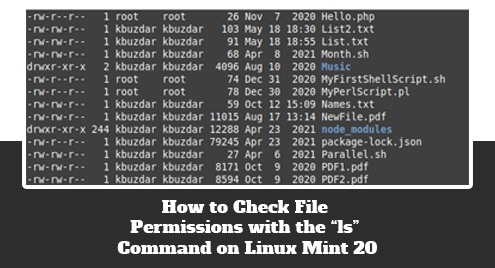
Read MoreIntroduction: Before accessing any file on your computer system, it is always good to check its permissions to find out whether it will be accessible or not. The…
Read MoreTelegram Messanger, or simply Telegram, is a fast, simple, and secure cross-platform online messaging application that came into the picture in August 2013. It rivals other popular messaging…
Read MoreIntroduction: All the additional information about a process or a file in SELinux is referred to as the SELinux context. This context is used to determine the access…
Read MoreIntroduction: At some point in time, we all come across a situation in which our computer systems run out of storage space. This mainly happens because of the…
Read MoreIntroduction: OpenVPN is a tool using which you can create virtual private networks for securing your network communications. This tool also provides the facility of remotely accessing a…
Read MoreTo install Snap on Linux Mint use the “sudo apt install snapd” command. You can use it to install, run, update, or remove Snap applications.
Read More