
Introduction
Laravel is an open-source PHP framework that helps you develop web applications easily and fastly.
It follows the model-view-controller pattern and works on top of the Symfony framework.
Laravel provides an abundant command-line interface. Below is the guide on how to install Laravel on Ubuntu 20.04.
Step 1 – Installing PHP
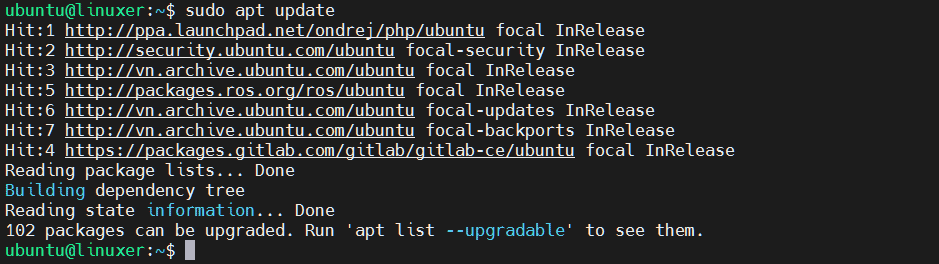
Laravel requires PHP 7.2.5 or newer to be installed. Run apt command:
$ sudo apt update
Output:
Then run the following command to install PHP:
$ sudo apt install php
Install extension:
$ sudo apt install php7.4-mbstring php7.4-xml php7.4-zip
Step 2 – Installing Composer
You can use curl:
$ curl -s https://getcomposer.org/installer | php
Output:

Then you move composer.phar to composer by mv command:
$ sudo mv composer.phar /usr/local/bin/composer
Step 3 – Installing Laravel
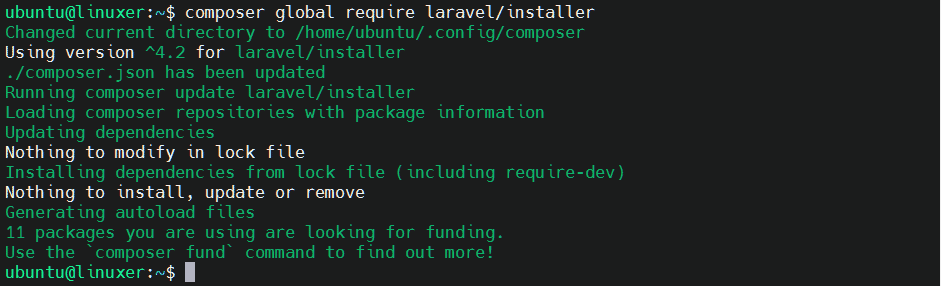
Run the following command:
$ composer global require laravel/installer
Output:
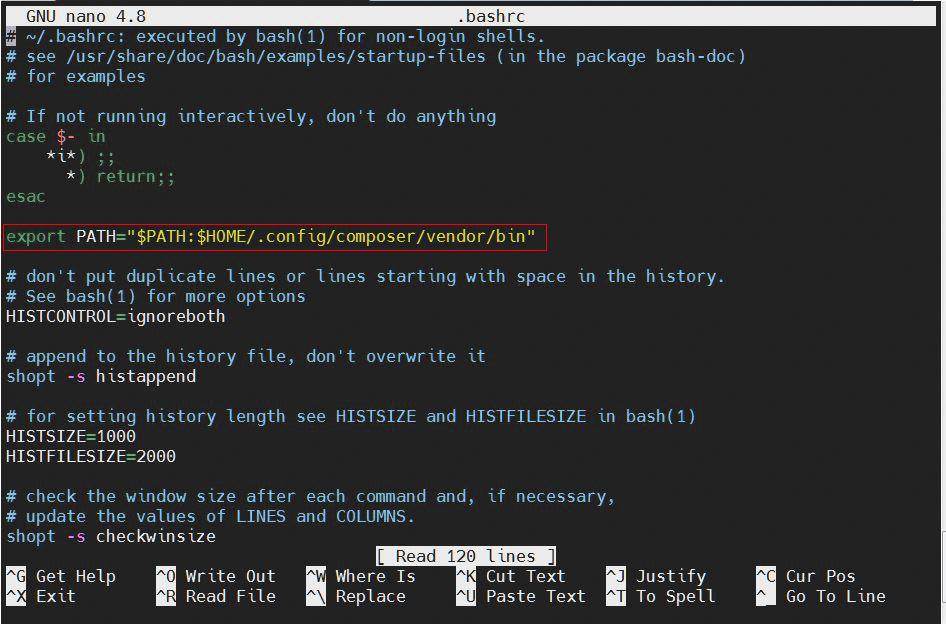
Step 4 – Open the .bashrc file to edit
$ nano .bashrc
then write:
export PATH="$PATH:$HOME/.config/composer/vendor/bin"
Let’s save the file.
Then run the following command:
$ source ~/.bashrc
Step 5 – Create a new Laravel app
Syntax:
$ laravel new [name of app]
Here we will create an application named “food”:
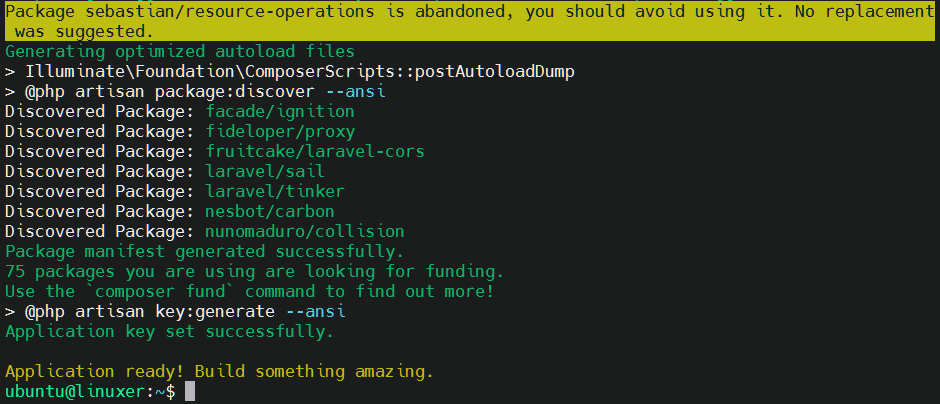
$ laravel new food
Output:
Go to application directory:
$ cd food
Then generate an encryption key:
$ php artisan key:generate --ansi
Output:

Then run the following command to get localhost:
$ php artisan serve
Output:

Finally, use localhost to access Laravel.
Conclusion
You’ve already gone through the details of how to install Laravel on Ubuntu 20.04.
Thanks for reading.

Karim Buzdar holds a degree in telecommunication engineering and holds several sysadmin certifications including CCNA RS, SCP, and ACE. As an IT engineer and technical author, he writes for various websites.