
Introduction
The lsblk command in Linux allows the user to see details of block devices and these block devices (except ram disks) are files corresponding to devices connected to the computer. To get the information it displays it will query /sys virtual filesystem and udev db.
Its output will be displayed like a tree structure. Now we’re gonna introduce you to using the lsblk command in Linux. Hope you understand.
Installing lsblk command
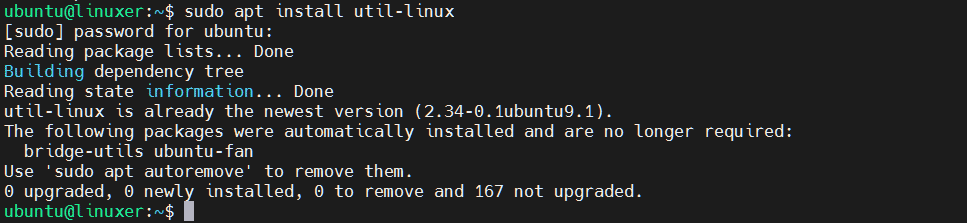
Run apt command to install:
$ sudo apt install util-linux
Output:
Using lsblk command
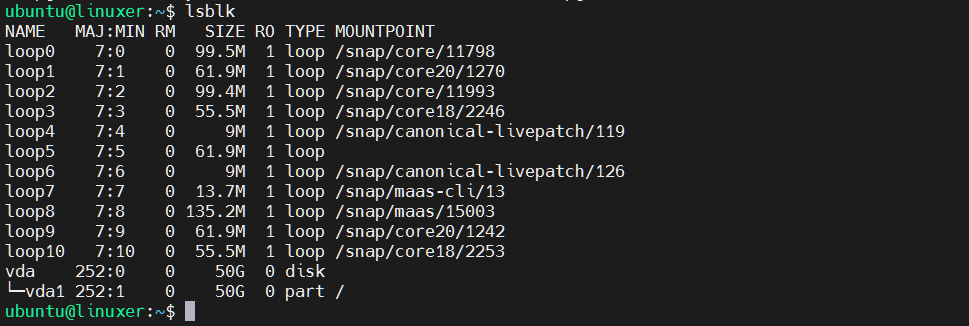
1. Display block devices
$ lsblk
Output:
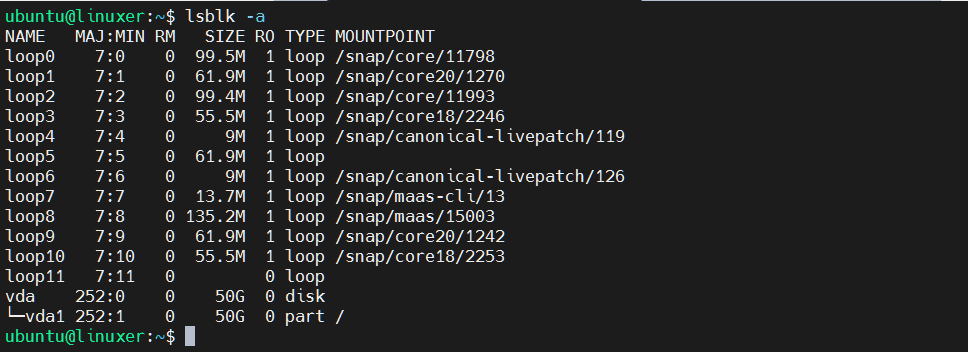
2. Display empty block devices
$ lsblk -a
Output:
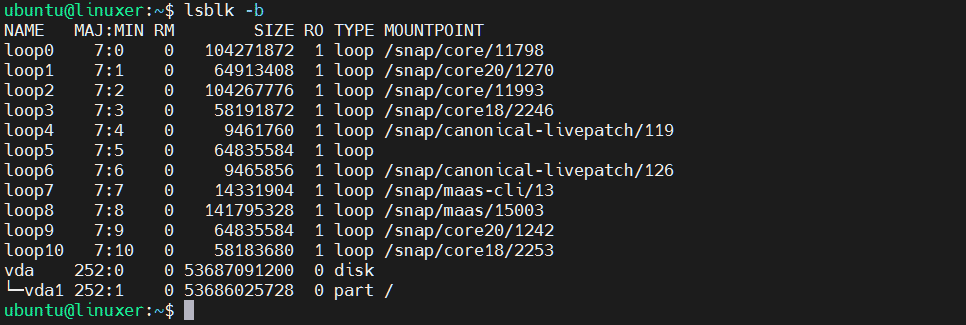
3. Display size information in bytes
$ lsblk -b
Output:
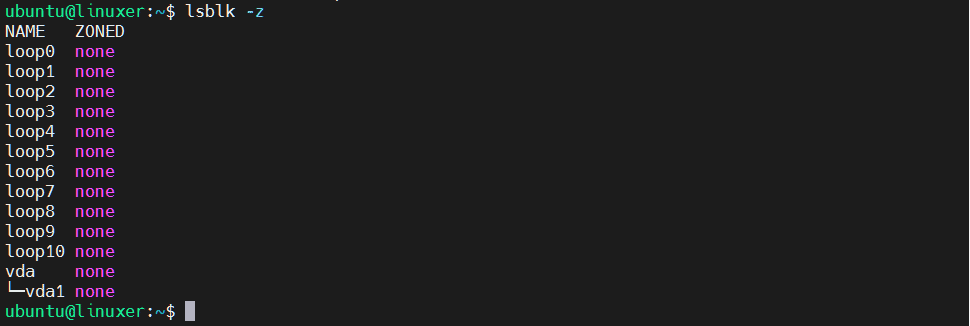
4. Display zone model for devices
$ lsblk -z
Output:
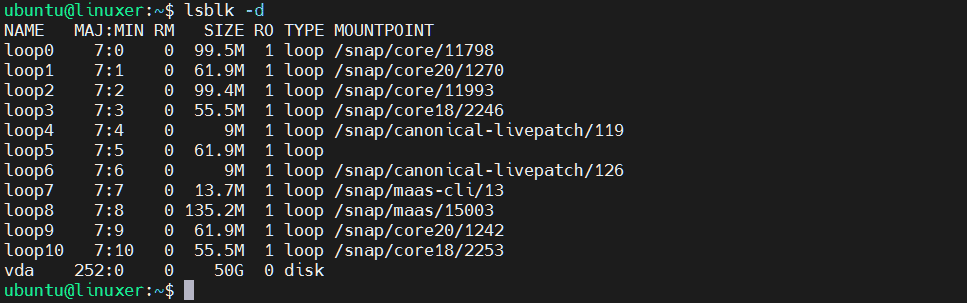
5. Skip slave entries
$ lsblk -d
Output:
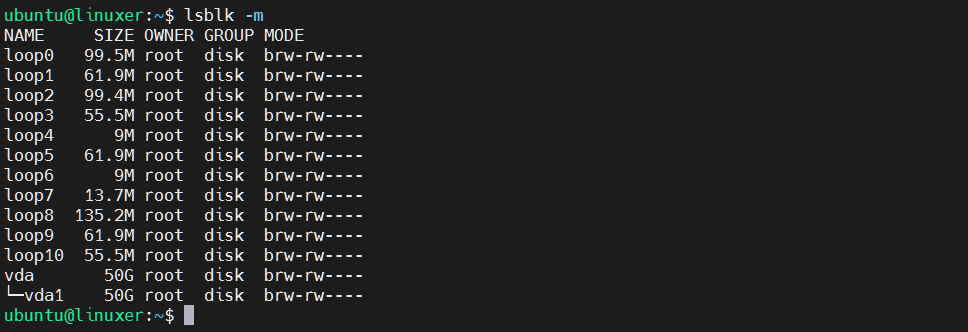
6. Display owner, group, mode
$ lsblk -m
Output:
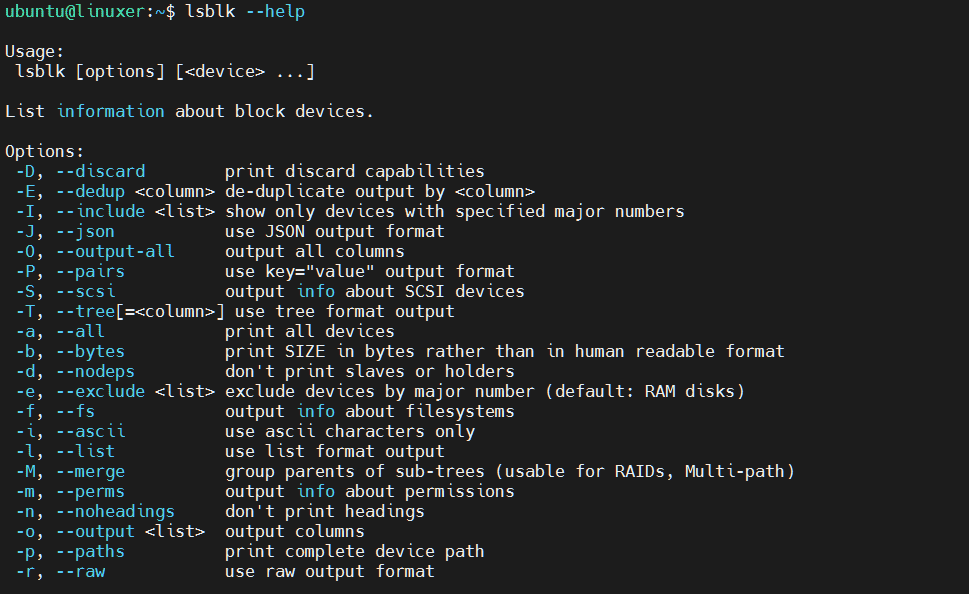
7. Display help information
$ lsblk --help
Output:
Conclusion
We just introduced you to how to use the lsblk command in Linux.
Thank you for reading!

Karim Buzdar holds a degree in telecommunication engineering and holds several sysadmin certifications including CCNA RS, SCP, and ACE. As an IT engineer and technical author, he writes for various websites.