Introduction
finger command allows you to check the information of all the users logged into the system. This command is often used by system administrators to make it easy to capture user information.
finger command provides information such as login name, user name, directory the current user is in, sometimes even the user’s email… This command is not available in Linux so we must install it to use it. This tutorial will guide you on how to use the finger command in Linux as you go through below.
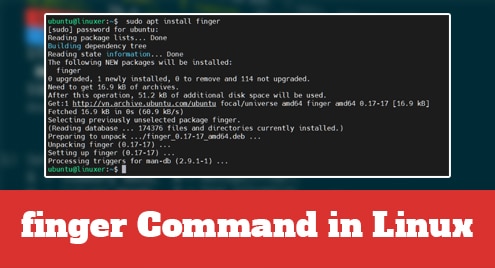
Installing finger
Run apt command:
$ sudo apt install finger
Output:

The syntax of finger command
$ finger [user]
Here we will check the information of ubuntu user:
$ finger ubuntu
Output:

options
-s check idle status and login details
$ finger -s ubuntu
Output:

-l using the long listing option
$ finger -l ubuntu
Output:

-p skip Plan and Project information
$ finger -p ubuntu
Output:

Conclusion
In this article, we guided you on how to use the finger command in Linux.
Thanks for reading!

Karim Buzdar holds a degree in telecommunication engineering and holds several sysadmin certifications including CCNA RS, SCP, and ACE. As an IT engineer and technical author, he writes for various websites.