rm command in Linux
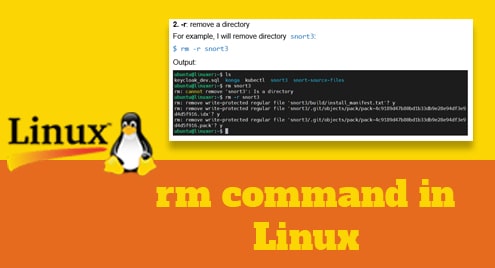
Introduction rm stands for remove. It is a command that allows you to remove files, folders, symlinks from the system. Deleted files and folders will not be moved…
Read MoreIntroduction rm stands for remove. It is a command that allows you to remove files, folders, symlinks from the system. Deleted files and folders will not be moved…
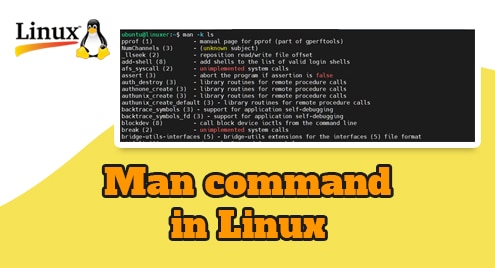
Read MoreIntroduction Linux is a complex operating system with many commands and each command has many different use cases. Remembering them is a difficult thing and that’s why the…
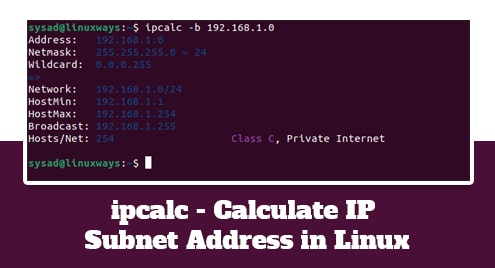
Read MoreIn advance or modern networking, you must have knowledge or deal with subnetting. Few of the system administrators or related people can do binary math in their head…
Read MoreIntroduction tail command is the supplement of the head command. This command tells you the last data of the file input. Normally by default, the tail command prints…
Read MoreNetstat stands for Network statistics. This is a command-line tool used to show intensive deep information about how your system is communicating with other network devices or remote…
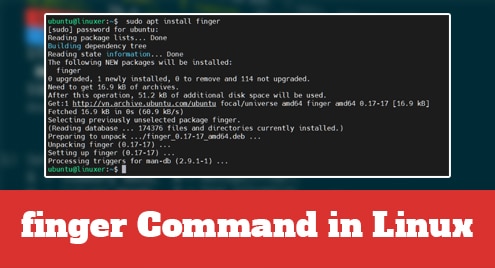
Read MoreIntroduction finger command allows you to check the information of all the users logged into the system. This command is often used by system administrators to make it…
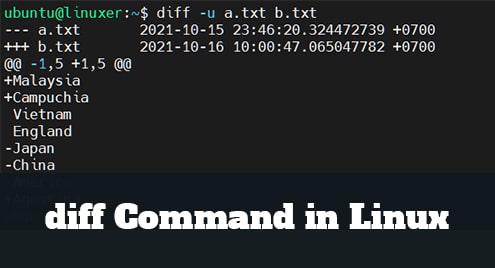
Read MoreIntroduction diff is an acronym for the difference. It is a useful command used to compare the differences between files based on the lines of the file. This…
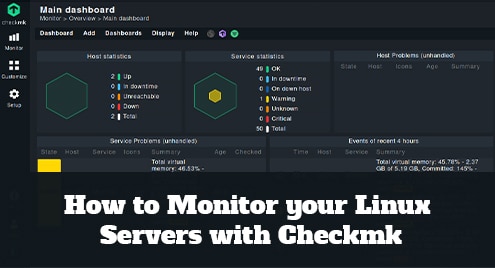
Read MoreCheckmk is an application and infrastructure monitoring solution that supports the monitoring of servers, applications, networks, containers, and clouds. Checkmk server can be installed on Ubuntu, Debian, CentOS,…
Read MoreIntroduction mkdir command stands for make directory allows the user to create an empty directory on Linux operating system. This command can also create multiple folders at once…
Read MoreIntroduction free command is used to check the total amount of free space available with used memory and swap memory in your system. This command is very necessary…
Read More